 SubwayNow
Your next train,
before you unlock.
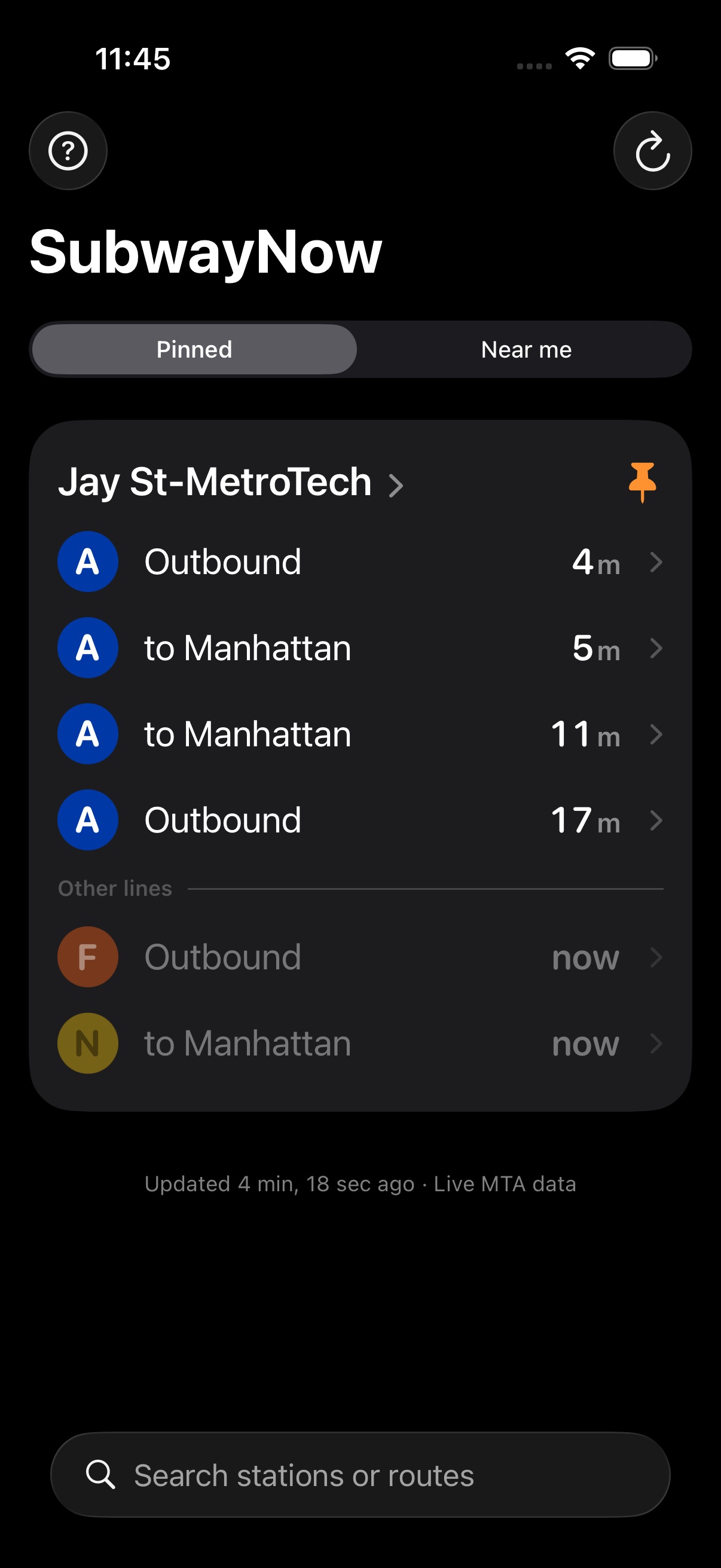
2FN Live NYC subway arrivals for the station nearest you, or the stations you pin, as widgets on your iPhone Lock Screen and Home Screen. Watch only the lines you ride.
Download on the App Store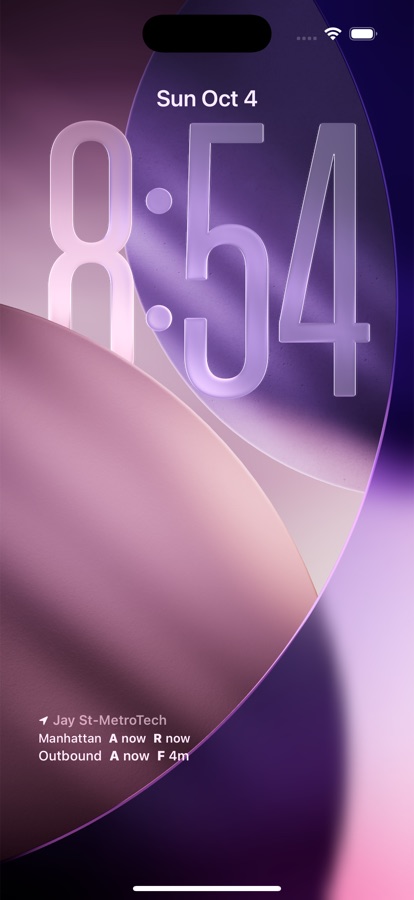
Lock Screen widgets
Nearest Station, Pinned Station 1, and Pinned Station 2 sit under your clock. Both directions, the soonest train per line, in official MTA colors.
Home Screen widgets
Four designs, two sizes. Pick any station or let it follow you to the nearest one. Tap the refresh button for live times without opening the app.
Watch only your lines
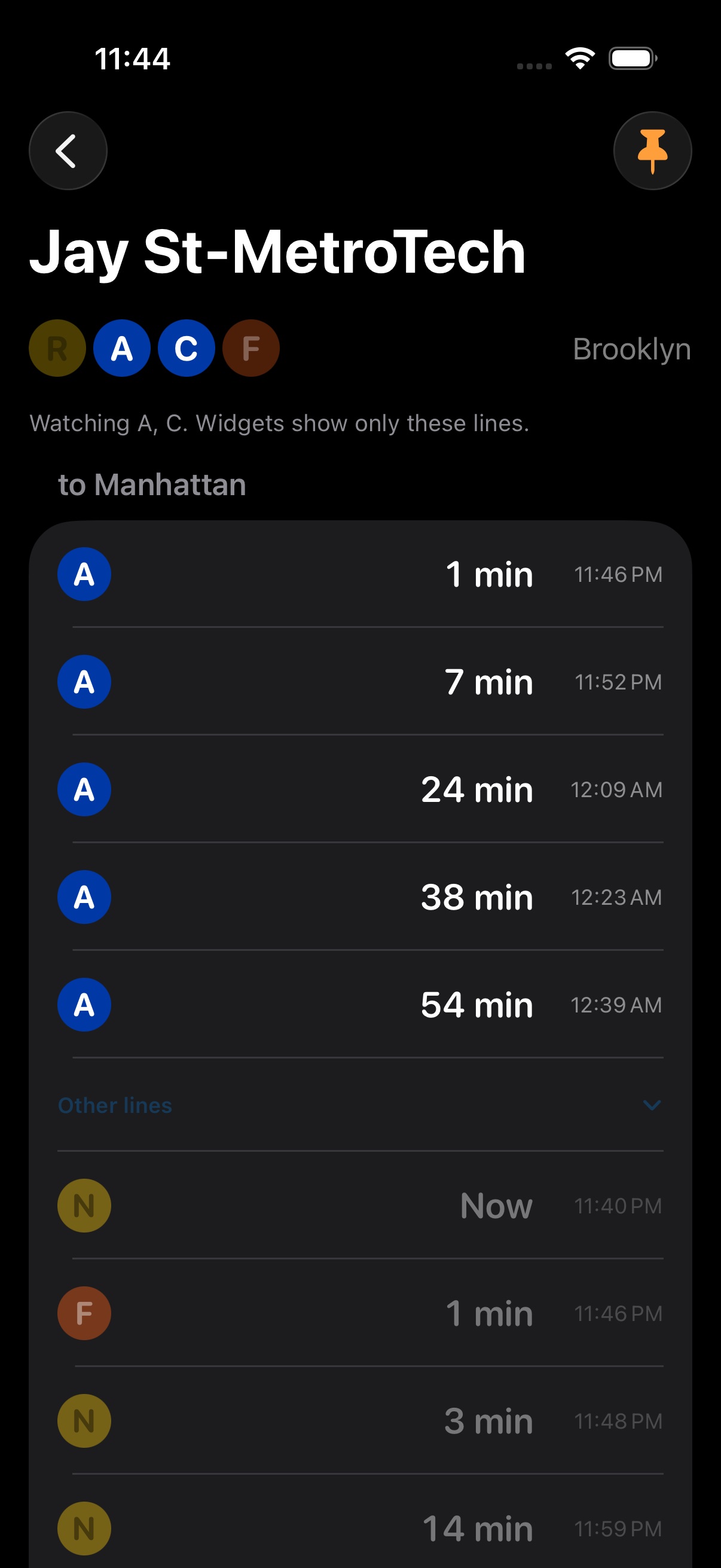
Take the A or C every day? Tap those bullets at your station and widgets show only them. The app keeps the rest dimmed below a divider.
Nearest station, on demand
Tap refresh and SubwayNow finds the closest stations with walking time and the next arrivals. Location is used only when you ask.
Every line, every station
Every station and every route, including the Staten Island Railway. Borough Hall and Court St stay separate, the way you actually think about them.
Directions that make sense
Uptown and Downtown in Manhattan. To Manhattan and Outbound in the boroughs. Terminal names where the line only goes one place.
Home Screen widgets
Add one from the widget gallery, long-press to choose a station and direction.
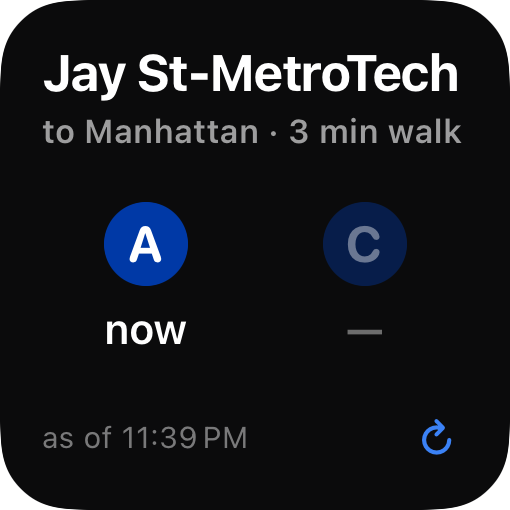
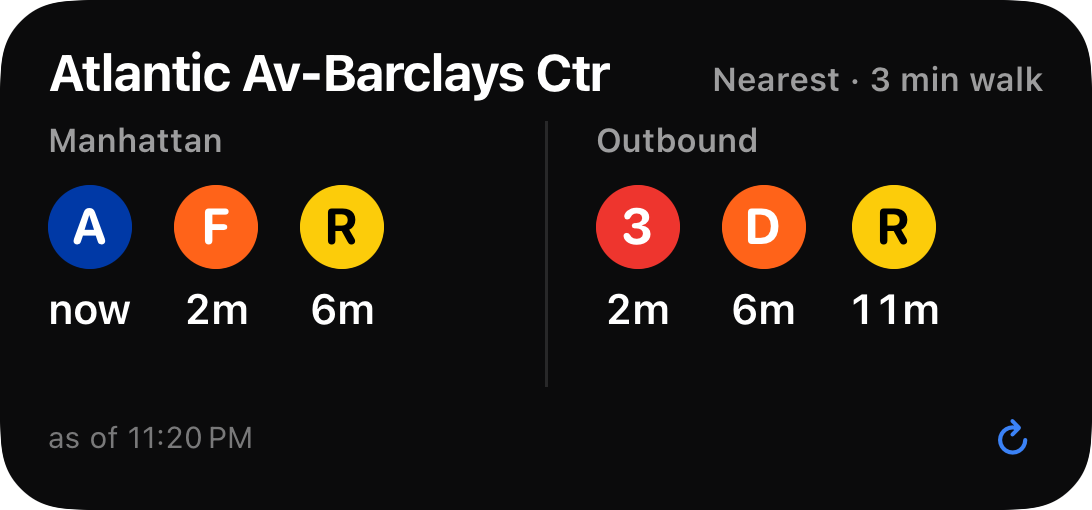
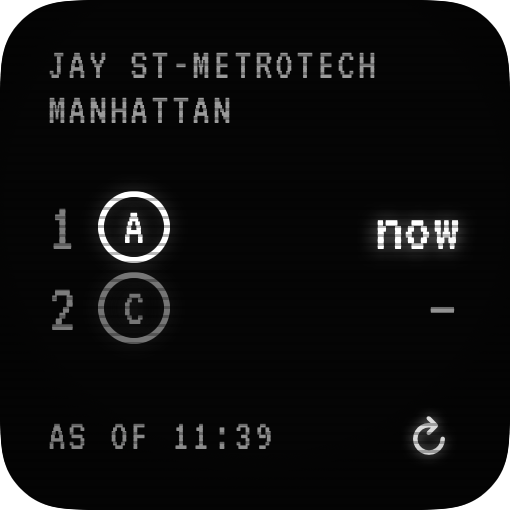
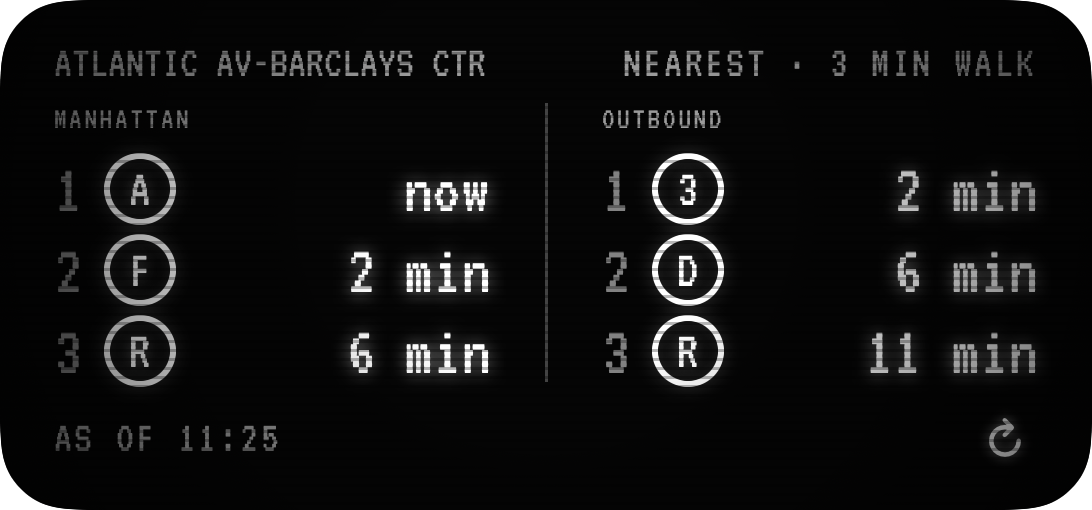
The small widget above is watching only the A and C. The C is idle, so it shows a dash instead of a train from another line.
Questions
Does SubwayNow track my location?
No. Your location is read on your device only when you refresh or when a widget updates, and it never leaves your phone. SubwayNow collects no data at all.
How often does the widget update?
iOS controls widget refresh timing, usually every 5 to 15 minutes. Home Screen widgets have a refresh button for live times on demand, and tapping anywhere else opens the app.
How do I watch only certain lines?
Open a station and tap the route bullets under its name. Watched lines stay bright, the rest dim. Widgets for that station show only the watched lines, and the app lists the others under an "Other lines" divider. Tap a bullet again to stop watching it.
Why does a watched line show a dash?
No train on that line is due in the next hour, usually because it is not running at that time of day. The C, for example, does not run late nights.
Where does the data come from?
The MTA's public real-time feeds, the same data behind the countdown clocks in stations.
Is SubwayNow made by the MTA?
No. SubwayNow is an independent app and is not affiliated with or endorsed by the Metropolitan Transportation Authority.